
What Is IPTV? A Plain-English Guide to How IPTV Works
What is IPTV? IPTV, short for Internet Protocol Television, is TV delivered over the internet instead of through a satellite dish, an aerial or a cable network. This guide explains how IPTV works, what you need to watch it and how it compares with the TV you may be used to.

What is IPTV, in one sentence?
IPTV sends TV channels and on-demand video to your screen as data over an internet connection, and an app on your device turns that data back into a picture.
The idea isn’t new. Telecom companies around the world, including in the UAE, deliver their own TV services over their broadband networks using the same technology. What has changed is that IPTV now works through apps on everyday devices, over any good home connection.
How IPTV works, step by step
- The source: channels and on-demand titles are prepared as digital video streams.
- The delivery: the streams travel over the internet to your home, like any other online video.
- Your router: your home network passes the stream to the TV, stick, box or phone, by cable or Wi-Fi.
- The player app: an IPTV player on your device logs in, shows the channel list and plays the stream you choose.
Because the picture arrives as data, the quality depends on your connection. A steady connection gives a steady picture, which is why a cable or strong Wi-Fi at the TV matters so much.
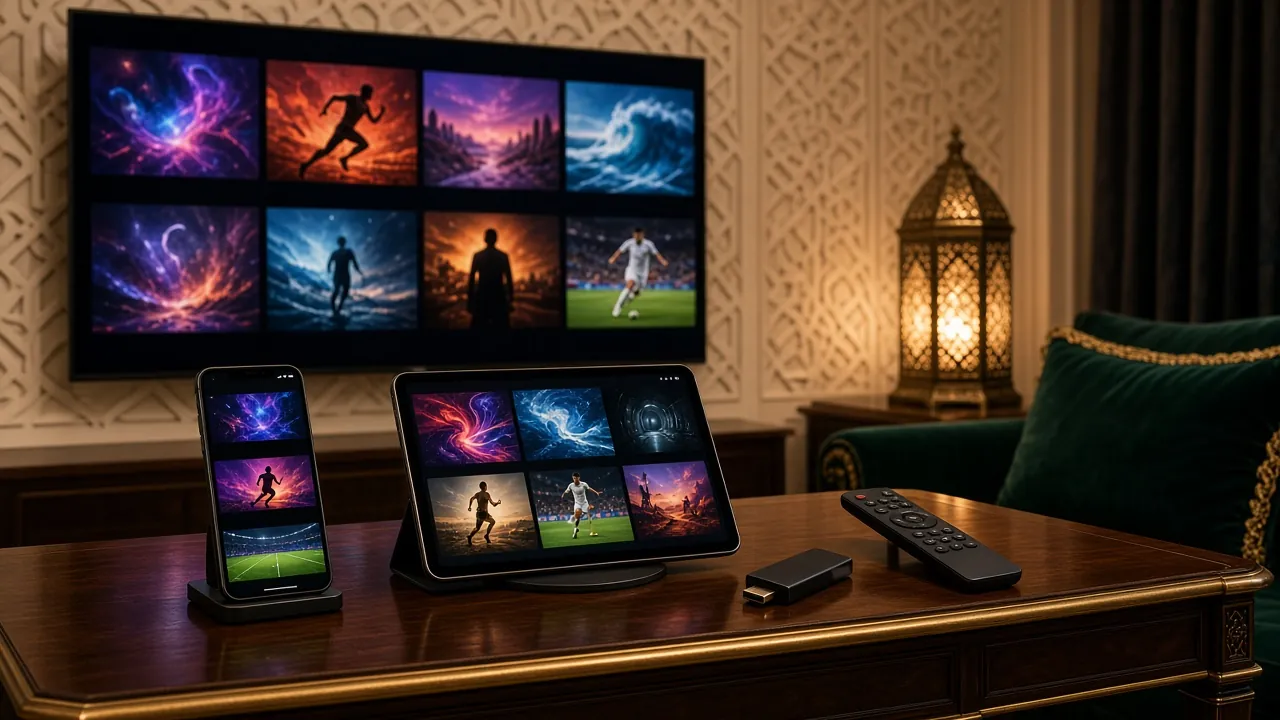
Live TV, video on demand and the TV guide
Most IPTV services combine three things:
Live TV
Channels play as they are broadcast, organised into categories such as sport, news, kids and Arabic.
Video on demand (VOD)
Movies and series you start when you want, then pause and resume.
Electronic programme guide (EPG)
A grid showing what is on now and next, when the provider supplies guide data. Our article on M3U playlists and EPG explains more.
SD, HD, FHD and 4K: IPTV picture quality explained
| Quality | Resolution | Recommended speed per screen |
|---|---|---|
| SD | Up to 720 × 576 | About 5 Mbps |
| HD | 1280 × 720 | About 10 Mbps |
| FHD (Full HD) | 1920 × 1080 | About 15 Mbps |
| 4K (Ultra HD) | 3840 × 2160 | 25 Mbps or more |
IPTV UAE offers SD, HD, FHD and 4K quality. Which one you see depends on the channel or title, your screen and your connection.
What you need to watch IPTV
- A device with an IPTV player: a Samsung or LG Smart TV, a Fire TV Stick, an Android TV box or an Apple TV, iPhone or iPad.
- An internet connection: fibre or good broadband. A cable to the TV helps most.
- A subscription: a login from your provider. Ours come in four plans from $18.
IPTV compared with satellite and cable TV
| Feature | IPTV | Satellite or cable |
|---|---|---|
| Installation | An app on a device you already own | A dish or cable connection, plus a box |
| Moving home | Set up the device again and log in | Often needs a new installation |
| Phones and tablets | Yes, with a player app | Depends on the package |
| Picture quality | Depends on your internet connection | Depends on the signal, and on the weather for satellite |
| Payment | Prepaid plans (ours run 1 to 12 months) | Often a monthly contract |
Is IPTV legal?
IPTV is a technology, and the technology itself is legal: it is how many licensed TV services are delivered around the world. What matters is whether a service holds the rights to the content it offers.
Use any IPTV service in line with the laws of the country you are in, and ask a provider about their content before you buy. You can ask us anything about ours.
What is IPTV: common questions
What does IPTV stand for?
Internet Protocol Television: TV delivered using the same method the internet uses to send any other data.
Is IPTV the same as streaming?
It is a kind of streaming. The difference is that IPTV usually includes live channels with a channel list and TV guide, not only on-demand titles.
Does IPTV use a lot of data?
An hour of HD at about 10 Mbps uses around 4.5 GB, and an hour of 4K at 25 Mbps around 11 GB. On home fibre with unlimited data, that isn’t a problem.
Do I need a Smart TV for IPTV?
No. Any TV with an HDMI port works with a streaming stick or box.
Does IPTV work without internet?
No. IPTV needs a working internet connection, because the channels arrive as data.
Try IPTV in your home
Now you know how it works, see it on your own TV. Plans from $18, with setup help on WhatsApp.